Design on your own photo
Work with the existing view of your garden or terrace while testing layouts, plants, paving, and furniture.
Start with a real site photo. Explore a layout, place plants and materials, then bring a clearer proposal to a designer, contractor, or your family.
The current interactive demo uses a Shenzhen sample garden and a Chinese interface.
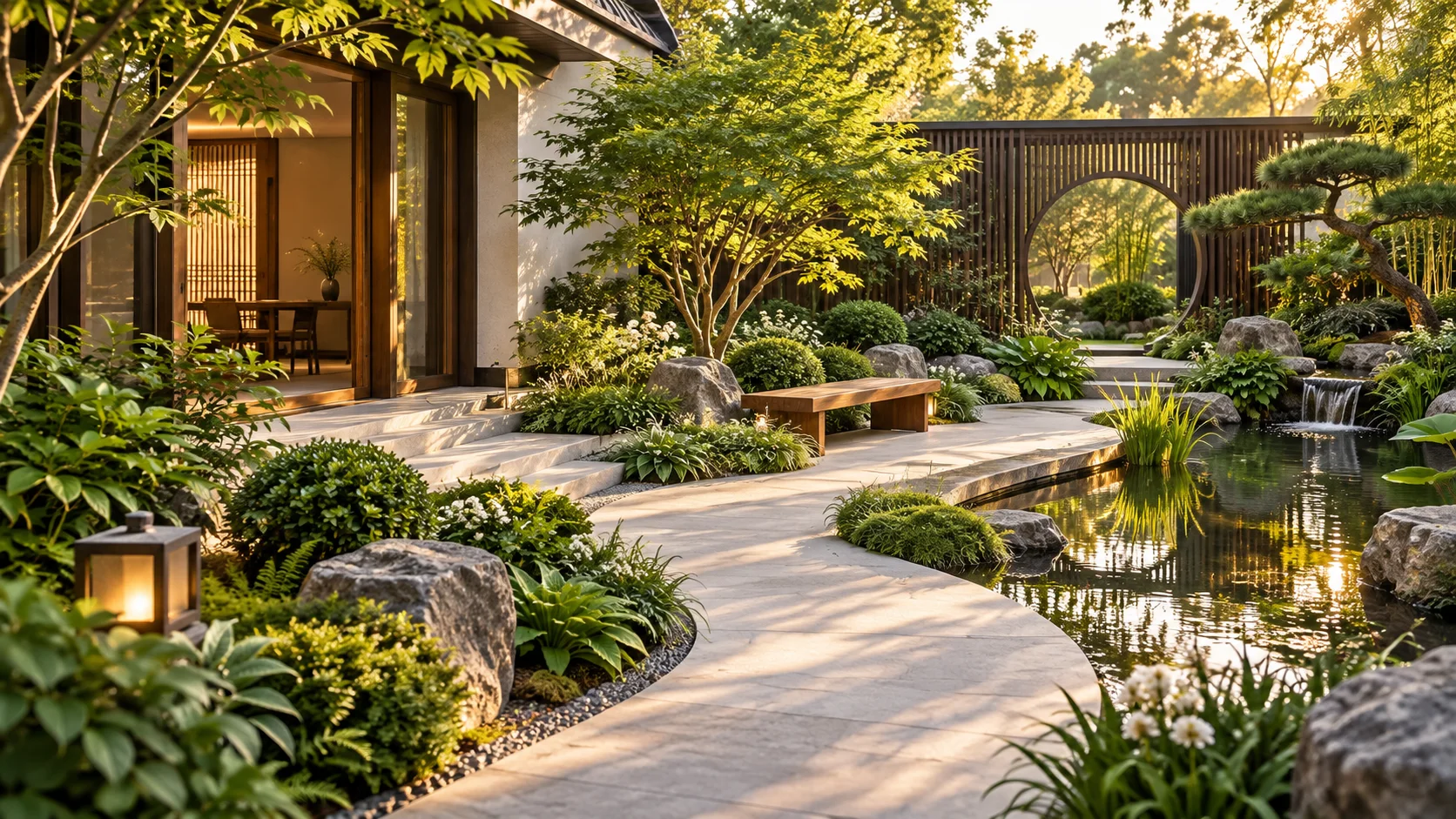
PocketGarden AI supports early design exploration. Site measurements, planting suitability, material availability, and final costs still need local professional review.
Work with the existing view of your garden or terrace while testing layouts, plants, paving, and furniture.
Change the arrangement and compare ideas before committing to materials or construction.
Organize visuals, quantities, material lists, and a proposal for further discussion.
Upload a photo of a garden, terrace, or outdoor space.
Mark an area and place plants, surfaces, and other elements.
Calibrate a known measurement before using quantity estimates.
Discuss the proposal and confirm real conditions with a local expert.
The current plant catalogue and reference pricing use sources from Chinese cities. They do not establish plant suitability, availability, or construction prices in the US, UK, Germany, or the Netherlands. Treat any estimate as a design reference until local data and a professional quote are available.
No. A photo helps with the design concept. Quantities need scale calibration, and local materials, labour, and site conditions need independent checking.
No. Concepts help compare ideas; they do not replace a site survey, construction drawings, or a plant suitability review.
The editor can save locally in your browser. When you sign in and the online service is available, saving may sync the project. Keep an exported backup until cloud sync is confirmed.
The English public site is being introduced first. The current interactive editor and Shenzhen demo still use Chinese labels.
Try the existing demo, then review the plan and limitations before buying downloads.