Photo-based editing
Explore composition on a site photo and compare a design direction with the original scene.
A photo gives everyone the same starting point. Use it to compare ideas, then measure and review the details before buying plants or starting construction.
The interactive editor currently has Chinese controls. The English pages explain the workflow and its limits.
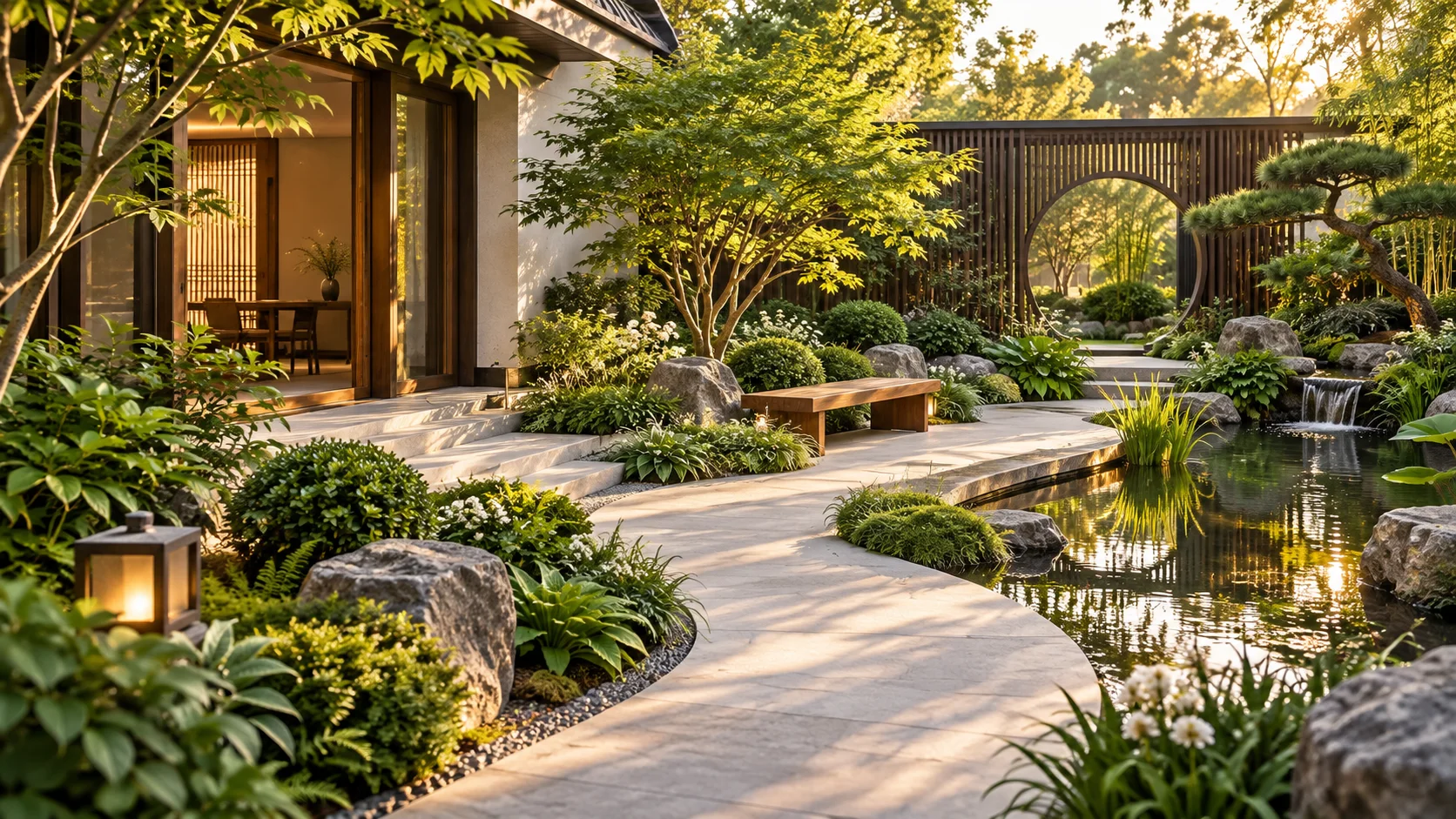
Take a clear view of the garden or terrace. Include fixed features such as doors, walls, existing trees, and paths. Keep the original photo for comparison.
Mark an area and try plants, surfaces, or furniture on the photo. Compare several arrangements before choosing one direction.
Calibrate against a measurement you know. Note sun, drainage, soil, access, and local climate. A photo alone cannot confirm any of these.
Use the visual plan and material list to discuss the idea with your family or a local designer or contractor. Get a site survey and local quote before building.
Explore composition on a site photo and compare a design direction with the original scene.
Area and material estimates depend on calibration and the objects placed in the plan. Check the numbers against a measured site.
Organize visuals and lists for discussion. Formal ZIP download allowances are separate from the free local design workflow.
The current plant catalogue and reference prices are based on Chinese sources. They are not evidence that a plant will thrive or be available in the US, UK, Germany, or the Netherlands. Confirm local plant suitability, supply, labour, regulations, and costs before committing.
Use the current demo to understand the tools. Its sample garden is in Shenzhen and its editor controls are in Chinese.